Blog
AI Video Ad Generator
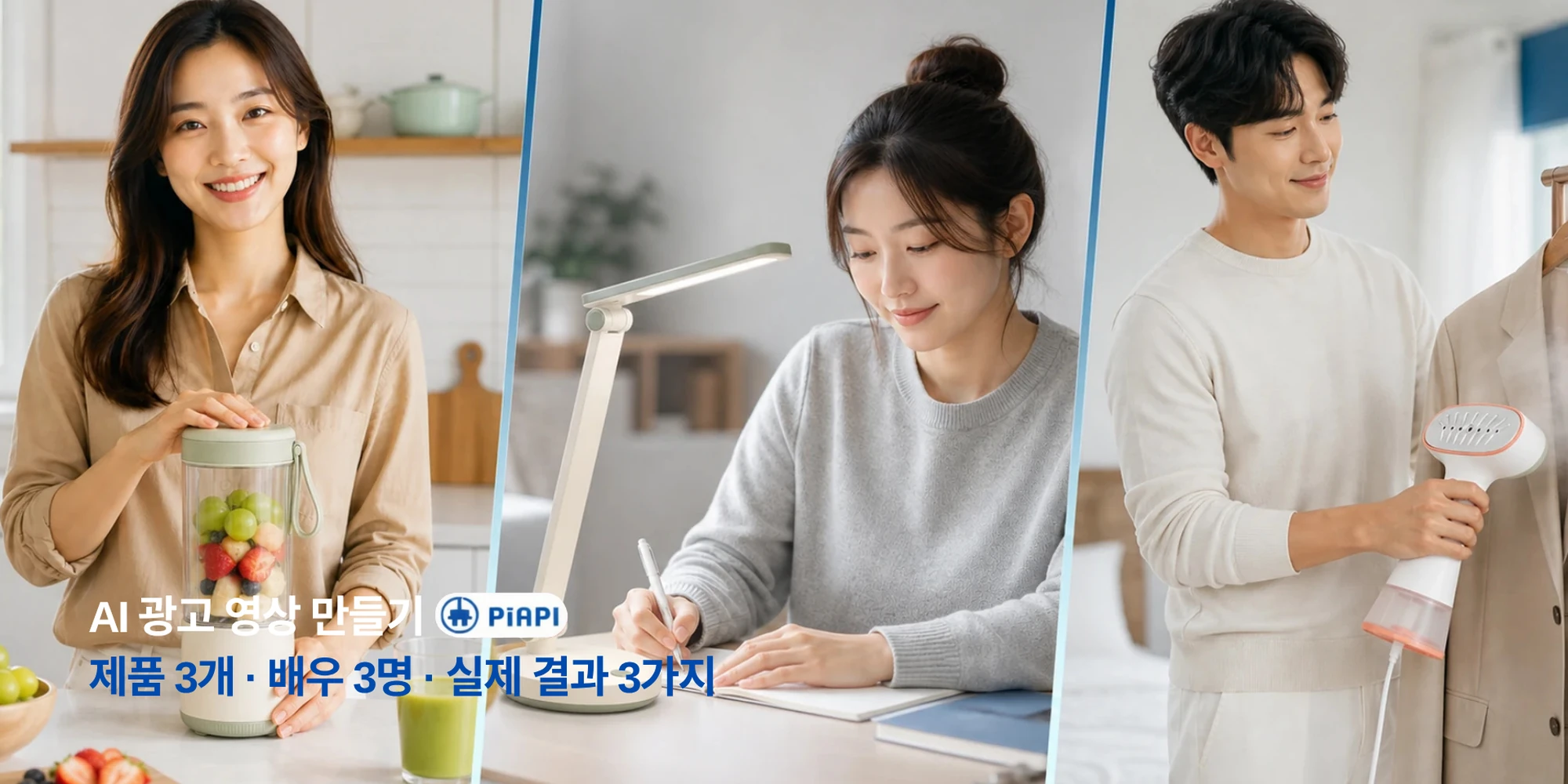
Learn how to make product ads for TikTok, Reels, YouTube, and e-commerce with a practical AI video ad workflow.
Read articlePiAPI Playground
Upload a product, add an optional actor or logo, write your script, and generate a Seedance-powered ad video in a campaign-ready format.
Create ad video
Product is required. Actor and logo are optional.
Product image
RequiredRequired product reference for the ad.
Actor image
OptionalOptional presenter or UGC creator reference.
Logo image
OptionalOptional logo. Wide logos are normalized before upload.
Format
Duration
Video preview
Generated video will appear here.
No video generated yet.
Format
9:16
Duration
5s
Cost
$1.00
{
"prompt": "Create a professional advertisement video using the uploaded product reference, optional actor reference, optional brand logo, and provided script.\n\nUse the uploaded product reference as the main product being promoted. Show the product clearly and keep its appearance accurate.\n\nNo actor reference is provided. Create a product-focused advertisement using product shots, lifestyle scenes, clean camera movement, captions, and visual storytelling.\n\nUse this script as the main message of the advertisement:\nMeet the product that makes your daily routine easier. Designed for busy days and real results, it helps you save time, stay consistent, and feel confident from the first use. Try it today and see the difference for yourself.\n\nNo brand logo is provided. End with a clean product-focused call to action.\n\nCreate the video in a vertical short-form social ad style. Use a strong hook in the first second, close-up framing, fast pacing, natural creator-style delivery if an actor is provided, quick product cutaways, punchy captions, and visual rhythm suitable for TikTok, Instagram Reels, and YouTube Shorts.\n\nCreate a polished, realistic, conversion-focused advertisement video with a strong opening hook, clear product focus, smooth pacing, and professional commercial styling."
}JPG, PNG, WebP, or BMP. Under 30 MB. Width and height between 300 and 6000 px. Aspect ratio between 0.4 and 2.5.
Workflow
The tool is built for fast ad creative testing. Start with a product reference, add optional brand or presenter assets, then generate a video ad for the channel you want to test.
Add the product image that should anchor the ad. The generator uses it as the main visual reference.
Include an actor for presenter-style ads or a logo for branded end frames. Both are optional.
Use a short hook, one or two benefits, and a direct call to action. The script drives the ad message.
Pick vertical, horizontal, or square output. Each format uses a different ad style direction.
Ad Formats
Aspect ratio should change more than the canvas. The playground maps each format to a matching creative direction so vertical ads feel social-first, while horizontal ads feel more cinematic.
TikTok, Instagram Reels, YouTube Shorts
Fast hook, creator-style pacing, close-up framing, quick product cuts.
YouTube, websites, product demos
Wider shots, smoother pacing, cinematic lighting, brand-led storytelling.
Instagram, Facebook, LinkedIn feeds
Centered composition, readable visuals, balanced product and message framing.
Pricing
Use pay-as-you-go credits when you want to test product ads, compare scripts, and generate campaign creatives on demand. PiAPI also offers subscription plans for teams with recurring generation needs.
View subscription plansGenerate ad videos on demand with usage-based credits.
Try multiple hooks, products, scripts, and ad formats.
Choose a recurring plan when your workflow needs steady volume.
Use Cases
Use the same workflow to test different product categories, campaign angles, and ad placements without rebuilding the creative process from scratch.
Examples
Use these generic examples to test different ad styles without relying on third-party brand names or competitor assets.
Inputs
Product image + actor reference + optional logo
Script sample
Start with a simple daily ritual. This lightweight formula helps your skin feel fresh, smooth, and ready for the day.
Expected style
A creator-style feed ad with close-up product shots and natural presenter delivery.
Inputs
Product image + script
Script sample
Clean up everyday mess in less time. Designed for busy homes, this product helps your space feel fresh without slowing you down.
Expected style
A vertical social ad with product-first framing, captions, and lifestyle cutaways.
Inputs
Product image + actor reference + logo
Script sample
Take a moment to recharge. Designed for modern routines, this product helps you relax, reset, and feel ready for what comes next.
Expected style
A polished horizontal commercial with wider shots, warm lighting, and branded end frame.
Related reading
If you are planning product ads, short-form campaigns, or Seedance-based creative workflows, these guides are the most useful next reads.
Blog
Learn how to make product ads for TikTok, Reels, YouTube, and e-commerce with a practical AI video ad workflow.
Read articleFAQ
An AI advertisement video generator creates short ad videos from inputs such as a product image, script, actor reference, logo, aspect ratio, and duration. It helps turn campaign ideas into testable video creatives quickly.
No. The product image and script are the core inputs. If you do not upload an actor, the tool creates a product-focused ad using product shots, lifestyle scenes, captions, and visual storytelling.
Yes. Logo upload is optional. If a logo is provided, the prompt places it near the end of the video with the final call to action.
No. You can use pay-as-you-go credits for on-demand generation. PiAPI also offers subscription plans for users and teams with recurring generation needs.
Yes. Instead of a physical product photo, upload a service reference image such as a clean living room, clinic interior, salon setup, restaurant dish, gym session, storefront, or finished result.
Use a clear, well-lit image with minimal clutter. For products, show the item clearly. For services, show the environment, result, or customer experience the ad should promote.
Use 9:16 for TikTok, Instagram Reels, and YouTube Shorts. Use 16:9 for YouTube, websites, and commercial-style videos. Use 1:1 for Instagram, Facebook, and LinkedIn feed ads.
The playground currently supports 5-second, 10-second, and 15-second options. Shorter clips are better for quick hooks, while 10-15 seconds gives more room for benefits and a CTA.
Use JPG, PNG, WebP, or BMP images under 30 MB. Images should be larger than 300 px on each side, under 6000 px on each side, and within a 0.4 to 2.5 aspect ratio.
Yes. The playground normalizes logo uploads onto a square PNG canvas before upload, which helps avoid issues with very wide or short logo files.
Explore other tools
If you want to keep experimenting beyond ad videos, these tools are a good place to continue.
Tool
Create warm hugging videos from a single uploaded image.
Explore toolTool
Turn photos into short romantic kiss videos with Kling Effects.
Explore toolTool
Make playful squish-style image-to-video animations.
Explore tool