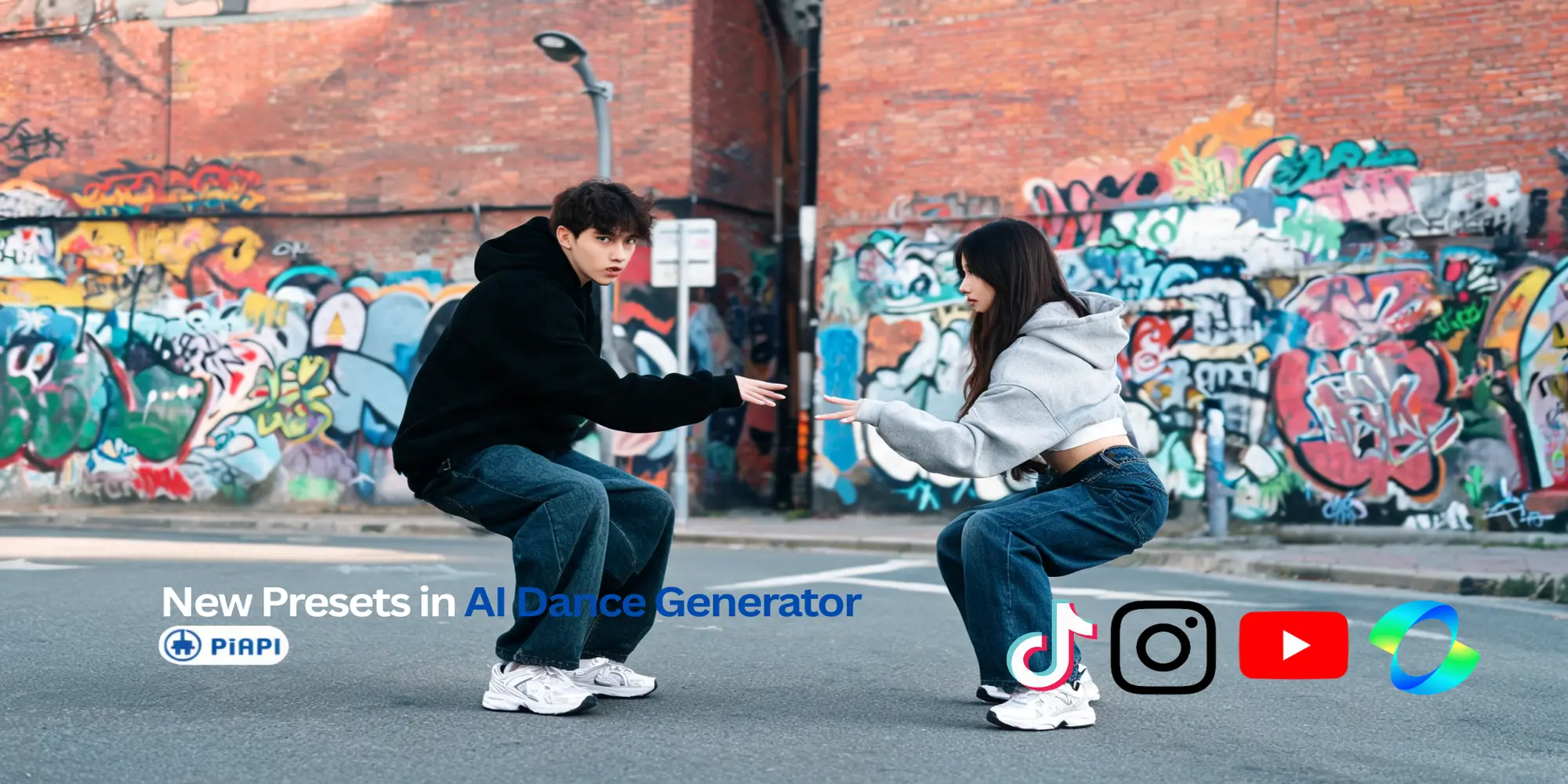

Kling AI Dance Generator
With Kling Motion Control, you can now create viral AI dance videos from any dance moves. Try AI-generated dance motion with a free 5-second demo today!
Kling 2.6 Dance Generator Pricing
Pay-as-you-go access through PiAPI.
Dance StandardStandard
$0.065
- Kling 2.6 standard mode, billed per second of output video.
Dance ProPro
$0.104
- Kling 2.6 professional mode, billed per second of output video.
Get started
Create your API key
Sign up and grab an API key from the PiAPI workspace — free credits are included on sign-up.
Top up credits
Add credits on the billing page when you are ready to scale beyond the free tier.
Call the API
POST your first task following the API docs, then poll the task until the result is ready.
Iterate in the playground
Prototype prompts and settings in the the playground above before wiring them into your product.
curl -X POST 'https://api.piapi.ai/api/v1/task' \
  -H 'X-API-Key: YOUR_API_KEY' \
  -H 'Content-Type: application/json' \
  -d '{
    "model": "kling",
    "task_type": "motion_control",
    "input": {
      "mode": "std",
      "image_url": "YOUR_IMAGE_URL",
      "video_url": "YOUR_VIDEO_URL"
    }
  }'

# → { "task_id": "9d5a…", "status": "pending" }
curl 'https://api.piapi.ai/api/v1/task/{task_id}' \
-H 'X-API-Key: YOUR_API_KEY'
# poll until status = completed
{
"data": {
"status": "completed",
"output": {
"video_url": "https://img.theapi.app/ephemeral/…"
}
}
}$ npm install -g piapi-cli $ piapi run kling-2-6-dance-generator \ mode=std \ image_url=YOUR_IMAGE_URL \ video_url=YOUR_VIDEO_URL ✓ Task completed! https://img.theapi.app/ephemeral/…
Looking for more information about Kling AI Dance Generator?
What is Kling AI Dance Generator?
Kling AI Dance Generator is a creative use case of Kling 2.6 Motion Control that allows you to generate dynamic dance videos from static images. Using AI-powered motion control, you can bring your images to life with professional dance moves, all available through PiAPI .
How does the AI dance generator work?
The AI dance generator analyzes your input image and applies realistic dance movements. You can either use preset dance motions or upload a reference video to guide the motion. The AI preserves the appearance from your image while applying the dance movements.
What dance styles are available?
Kling AI Dance Generator supports multiple preset dance styles including Cute Baby Dance, Heart Gesture Dance, Motorcycle Dance, Subject 3 Dance, Ghost Step Dance, Poping, and more. You can also upload your own reference video to create dance AI video such as Last Call For Love dance AI dance.
How to create AI baby dance video?
To create a Kling AI baby dance video, start by uploading a photo of the baby as your input image. Then, select a preset motion such as Cute Baby Dance from the preset list, or upload your own short reference dance video. Adjust any additional settings if needed, then click Generate video in the Kling AI Dance Generator playground to render the baby AI dance video.
What are the use cases for dance video AI?
Dance video AI can be used for creating viral videos such as trending AI baby dance video for YouTube or TikTok. You can also create amazing Kling AI dance video for the Kling Dance Challenge!
How to create a dance video with the AI dance generator?
With our AI dance generator, you start by uploading a reference image of the person or character you want to animate. Then, either select a preset dance motion from the available options or upload a short reference video showing the dance moves you want to replicate. In the Kling AI dance generator free playground, you can try different combinations and generate professional dance videos.
Do I need a PiAPI account to use the Dance Generator Playground?
You can explore our Kling AI dance generator free playground interface without an account, but you'll need a PiAPI Workspace account and API key to run generations and integrate Kling AI dance generator content into your own workflows.
Is Kling Dance Generator free?
Yes, the playground offers a free 5-second demo to preview dance motion before using the full Kling 2.6 API. When you sign up with us, you will get free credits to try our API services in our workspace .
Why is the demo limited to 5 seconds?
The demo is designed to let you quickly evaluate motion quality before generating longer videos.
Can I generate longer dance videos?
Yes, you can generate longer dance videos in the playground or using the Kling 2.6 API. Longer videos require additional credits. Top up now to start creating longer videos!
What image formats are supported?
The dance generator supports common image formats including JPEG, JPG and PNG. The short edge of your image must be at least 300px, and the long edge must not exceed 65536px for optimal results.
Are there refunds?
No, we do not offer refunds. But when you first sign up for an account on PiAPI's Workspace, you are given free credits to try our playground and our API (specifically the "Pay-as-you-go" service) before making payments!
How can I get in touch with your team?
Please email us at support@piapi.ai - we'd love to talk more regarding our product offering!
More questions? See the API docs.
Our blog
Kling 2.6 Dance Generator